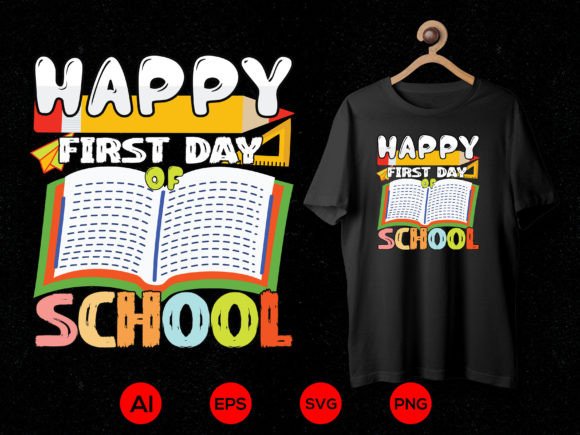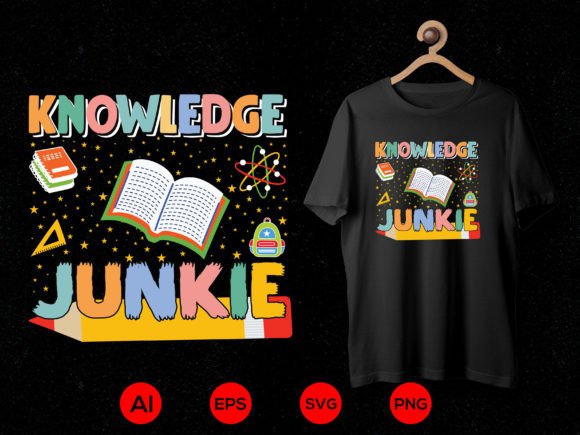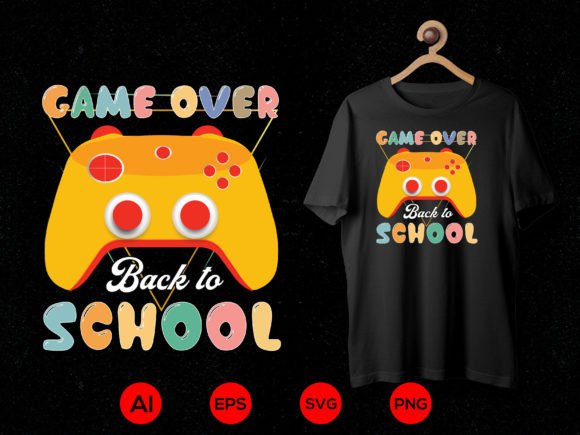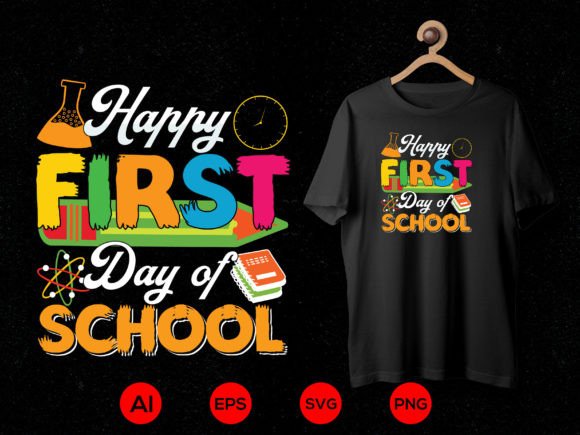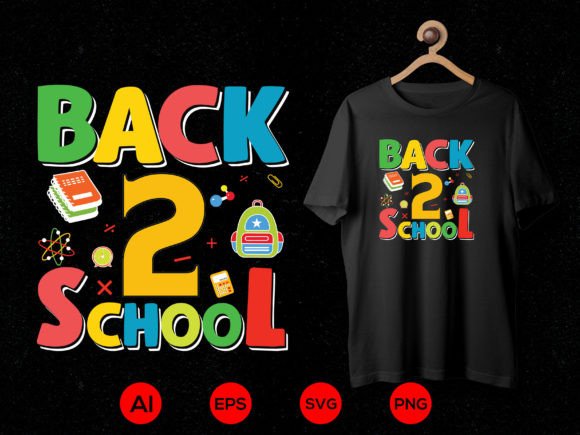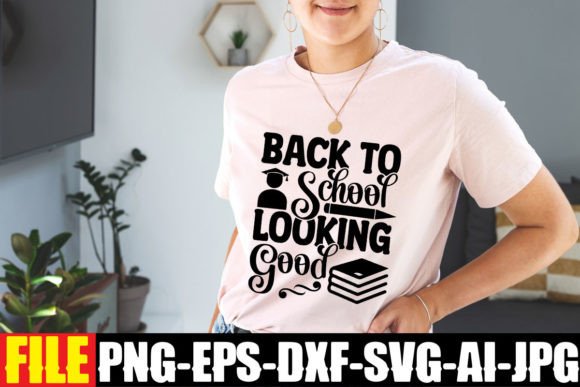
Back to School Looking Good
Whether you’re designing classroom door decorations, launching a back-to-school small business campaign, or crafting personalized teacher appreciation gifts, Back to School Looking Good delivers professional-grade design assets—ready to use, fully editable, and built for real-world flexibility. This isn’t just another clipart pack. It’s a thoughtfully assembled digital toolkit tailored for creators who need precision, compatibility, and speed without sacrificing quality.
Why Format Variety Matters More Than You Think
One .zip file contains six distinct file types—SVG, EPS, PNG, DXF, AI, and JPEG—each serving a specific purpose across different tools and workflows. That variety isn’t about redundancy; it’s about reducing friction. For example, if you’re using Cricut Design Space, the Word-by-Layer SVG ensures clean, sequenced cutting with no manual grouping needed. Silhouette Studio users benefit from the same SVG structure—or switch seamlessly to the DXF for precise vector paths in older software versions. Meanwhile, educators building Google Slides or Canva presentations can drop in the 300 DPI transparent PNG without background cleanup or resizing guesswork.
The EPS and AI files go further: they’re fully editable vector sources. Need to change “Math Rocks!” to “Science Rules!”? Adjust font weight, spacing, or color gradients? Resize to fit a 4'×8' bulletin board or shrink cleanly for a student name tag? These files let you do it—without pixelation, distortion, or layer-locking surprises. That level of control is essential for freelancers managing multiple client revisions or small business owners updating seasonal inventory graphics year after year.
Solving Real-Time Workflow Gaps
Time savings here aren’t theoretical. Consider a homeschool co-op organizer preparing welcome packets for 30 families. Instead of building banners, labels, and schedule cards from scratch—or stitching together mismatched free resources—they open the Back to School Looking Good ZIP, import the SVG into Cricut, cut vinyl lettering in under five minutes, and print matching handouts using the high-res JPEG. No font licensing checks. No transparency issues. No last-minute “why won’t this scale properly?” panic.
Similarly, a freelance social media manager supporting three tutoring startups can repurpose the same core design across platforms: the AI file for branded Instagram carousels (with custom icons swapped in), the PNG for Facebook cover images, and the DXF for laser-cutting promo keychains at a local makerspace. Consistency stays intact—even as output formats shift.
Who Benefits Most—and Why
Back to School Looking Good shines brightest for professionals and creators who juggle multiple tools, audiences, and output requirements. Educators building interactive classroom materials gain flexibility without needing advanced graphic design training. Small business owners selling custom mugs, tote bags, or laminated planners avoid costly custom design fees—while still delivering polished, on-brand products. Bloggers and content creators producing downloadable checklists or printable planners can embed the transparent PNGs directly into PDFs without white-box artifacts.
Hobbyists using Inkscape or beginner-friendly tools like Canva will find the SVG and PNG especially accessible. The layered SVG structure means even if you’re new to vector editing, you can toggle visibility of individual words or elements—great for adapting phrases like “First Day Magic” or “New Year, New Goals” without touching anchor points. Meanwhile, seasoned designers appreciate the AI and EPS files as production-ready starting points—not flattened illustrations that require redrawing.
Practical Notes on Fit and Use
This set is intentionally focused: it delivers one cohesive, well-proportioned typographic design—not dozens of unrelated icons or clipart. That focus makes it highly effective for signage, apparel, stationery, and digital announcements where clarity and visual impact matter more than decorative clutter. If you need full illustration packs (e.g., apples, pencils, backpacks), this isn’t the solution—but it complements those assets beautifully when layered or paired.
Compatibility is broad but not universal. While the SVG works across Cricut, Silhouette, and Inkscape, some older versions of Silhouette Studio may require ungrouping layers manually. The DXF imports cleanly into AutoCAD and Fusion 360 but lacks color or stroke data—so it’s ideal for CNC routing or laser cutting paths, not full-color rendering. And while the JPEG is high-resolution, it’s best suited for screen display or large-format printing where minor compression isn’t visible—not fine-art archival prints requiring CMYK separation.
Design Integrity Without Compromise
All files maintain consistent kerning, weight balance, and spacing—no stretched letters or uneven baselines. That attention shows up when you scale the AI file to 24 inches wide for a school hallway banner: curves stay smooth, corners remain crisp, and text remains legible from six feet away. It also means less time troubleshooting alignment in Photoshop or Illustrator—because the foundation was built correctly from the start.
Transparency in the PNG isn’t an afterthought—it’s baked in at true 300 DPI, so overlays on photos, textured backgrounds, or gradient slides retain depth and professionalism. No fuzzy edges. No halo effects. Just clean integration.
Smart Integration, Not Just Download-and-Go
Think of Back to School Looking Good as a modular component—not a finished product. A marketing coordinator might combine the SVG with their brand’s secondary font in Illustrator, then export variants for email headers, LinkedIn banners, and printed flyers—all from one source. A curriculum designer could isolate “Welcome Back!” from the layered SVG, pair it with original illustrations in Procreate, and generate a cohesive first-week slide deck.
Because every file shares the same visual DNA—weight, rhythm, proportion—mixing and matching feels intentional, not pieced together. That cohesion builds trust with your audience, whether they’re students, parents, clients, or followers.
A Resource That Grows With Your Needs
Digital downloads like this offer longevity most physical supplies can’t match. Update colors for next year’s theme in under two minutes. Repurpose “Classroom Ready” as “Office Ready” for hybrid work branding. Convert the AI file to a webfont for internal dashboards. None of that requires re-licensing, waiting for shipping, or hunting down compatible fonts.
And because it’s a single ZIP—no subscriptions, no watermarks, no usage caps—you own what you need, outright. That autonomy matters to educators managing tight budgets, solopreneurs handling their own design, and teams standardizing visual language across departments.
In short, Back to School Looking Good bridges intention and execution. It respects your time, honors your tools, and supports outcomes that feel both personal and polished—whether you’re welcoming students, launching a product, or simply making everyday communication clearer.