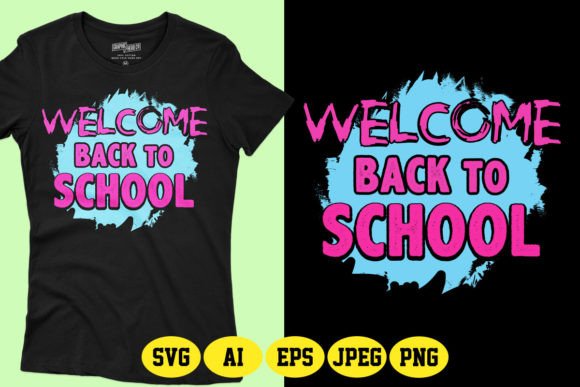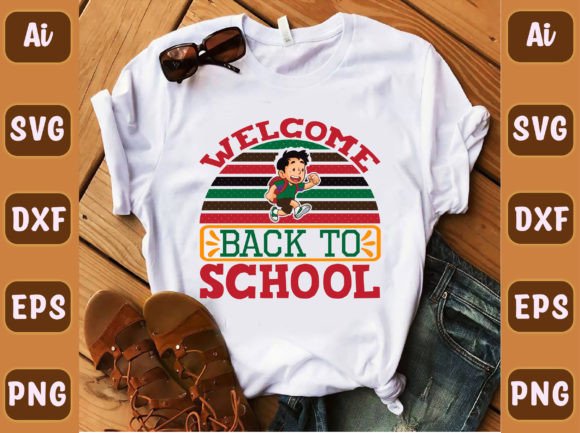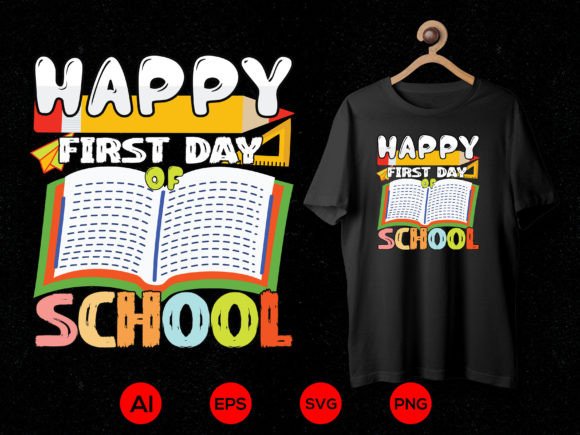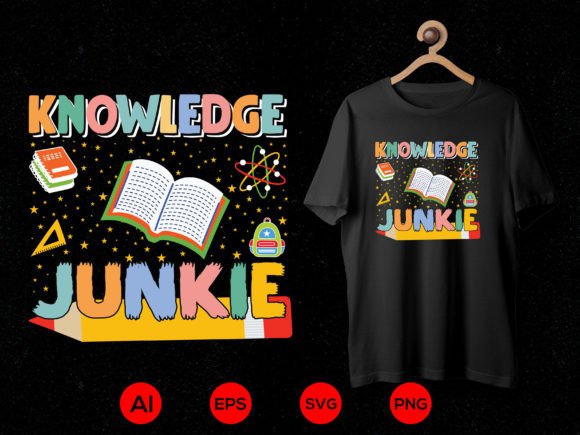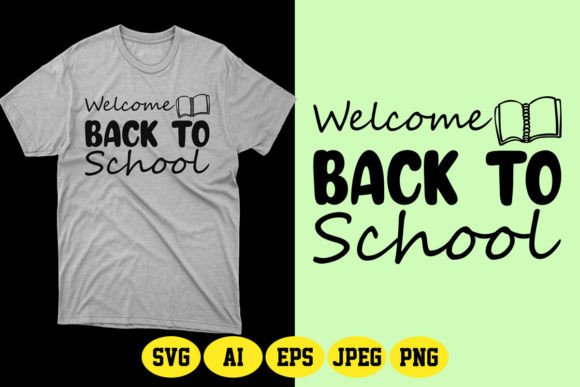
Welcome Back to School SVG Design 9
If you're running a print-on-demand (POD) business—or even just launching your first batch of back-to-school apparel—Welcome Back to School SVG Design 9 is more than just another digital file. It’s a ready-to-deploy, production-ready asset built for real-world use: from late-August Etsy listings to last-minute PTA fundraiser tees, classroom door decorations, or personalized backpack tags for kindergarteners who still need help finding their cubbies.
This isn’t clip art you’ll spend hours tweaking before it works on dark fabric. It’s a vector-based, fully editable design optimized for speed, flexibility, and consistency—whether you’re printing one shirt or scaling to hundreds across multiple platforms like Printful, Gelato, or your own Shopify store.
Who Actually Uses This—and Why It Fits Their Workflow
Creative entrepreneurs building seasonal POD collections often face the same bottleneck: great ideas, limited time. With Welcome Back to School SVG Design 9, you skip the design phase entirely—or at least compress it from days to minutes. The included AI and EPS files let you adjust spacing, swap fonts, or isolate elements (like the “Back to School” phrase vs. the chalkboard icon) without losing quality. You can recolor individual layers in seconds—not guess which hex code will pop on navy cotton or heather grey.
Small school supply shops or local stationery boutiques use this design beyond t-shirts. Think: laminated name tags for preschoolers, sublimated tote bags for teacher appreciation week, or vinyl-cut stickers for pencil boxes. Because the PNG is transparent and high-res (4500–5400px), it scales cleanly for both 2-inch stickers and 16x20 framed classroom posters—no pixelation, no redraws.
PTA volunteers and homeschool co-ops appreciate how quickly this turns into something tangible. One parent downloads the SVG, imports it into Cricut Design Space, cuts it onto iron-on vinyl, and presses it onto matching sibling shirts—all before morning coffee cools. No graphic designer needed. No licensing worries. Just clear usage rights for physical products and personal projects.
Real Use Cases—Beyond the T-Shirt
- Classroom welcome kits: Print the design on kraft paper labels, then stick them on folders, water bottles, and snack containers for the first day. The clean typography reads well even at small sizes.
- Digital newsletters & social posts: Use the colored PNG version as a header image in Canva for your school’s August email blast—or overlay it on a photo of smiling students returning to campus.
- Customized learning tools: Teachers have turned the vector shapes into interactive drag-and-drop activities in Google Slides, using the editable layers as movable “school supply” icons during virtual orientation.
- Local business cross-promotions: A neighborhood bakery ran a “First Day Free Cookie” campaign—featuring the design on window clings and cupcake toppers. They used the EPS file to match their existing brand colors without hiring a designer.
What Makes It Work Where Other Designs Fall Short
Many “back to school” SVGs look great on screen but fail in production. Either they’re raster-only (blurry when enlarged), lack transparency (awkward white boxes on dark shirts), or lock color choices (forcing you to work around preset palettes). Welcome Back to School SVG Design 9 avoids those pitfalls by design.
The 100% vector construction means you can stretch it across a toddler onesie or a plus-size hoodie—same crisp edges, same alignment. The color-changeable layers let you test contrast on real garment mockups before ordering samples. And because the SVG cut file is pre-optimized (not auto-traced), your Cricut or Silhouette cuts cleanly on the first try—no jagged edges, no double-cutting, no wasted material.
You also get realistic t-shirt mockups—not generic stock photos, but styled shots showing how the design sits on crew necks, v-necks, and raglan sleeves. That helps customers visualize fit and placement *before* clicking “add to cart.” For POD sellers, that reduces returns and boosts confidence in your listings.
Before You Download—Three Practical Checks
1. Confirm your software compatibility. If you’re using Cricut Design Space, the SVG file works out of the box. For Adobe Illustrator users, the AI 10 and EPS 10 files give full layer control—including grouping, path editing, and global color swatches. Procreate users should know: while PNGs import fine, vector editing requires desktop software.
2. Match the vibe to your audience. This design leans cheerful but not childish—think friendly typography with subtle chalk texture, not cartoon apples or glittery letters. It fits well for elementary through middle school branding, but may feel too gentle for high school spirit wear unless paired with bolder supporting graphics.
3. Check your platform’s upload requirements. Some POD services require specific DPI or bleed settings. The included PNG is print-ready at 300 DPI, but if you’re uploading to Redbubble or Teespring, verify whether they prefer RGB or CMYK—this file ships in RGB (ideal for most screen-first platforms).
Why It Fits Into Bigger Goals—Not Just One Season
Back-to-school is cyclical—but your creative assets don’t have to be disposable. With Welcome Back to School SVG Design 9, you’re not just buying a single-use file. You’re investing in a reusable component: tweak the text to “Welcome to Kindergarten,” change the color scheme for “Pre-K Open House,” or extract the chalkboard icon to pair with other educational vectors in future bundles.
That adaptability matters when you’re balancing side-hustle deadlines, family schedules, or seasonal inventory swings. It’s the difference between scrambling every August and having a reliable, on-brand foundation you refine—not restart—each year.
So whether you’re listing your first POD shirt, prepping for a classroom open house, or helping your kid’s soccer team launch a “Back to School Fundraiser” campaign—this isn’t just another SVG. It’s time saved, quality assured, and flexibility built in from the start.